ReelgenAI
URL-to-reel landing page where the input is the demo.
A marketing tool that reads a business website and generates short vertical video for Instagram, TikTok and Shorts.
Visit reelgenai.com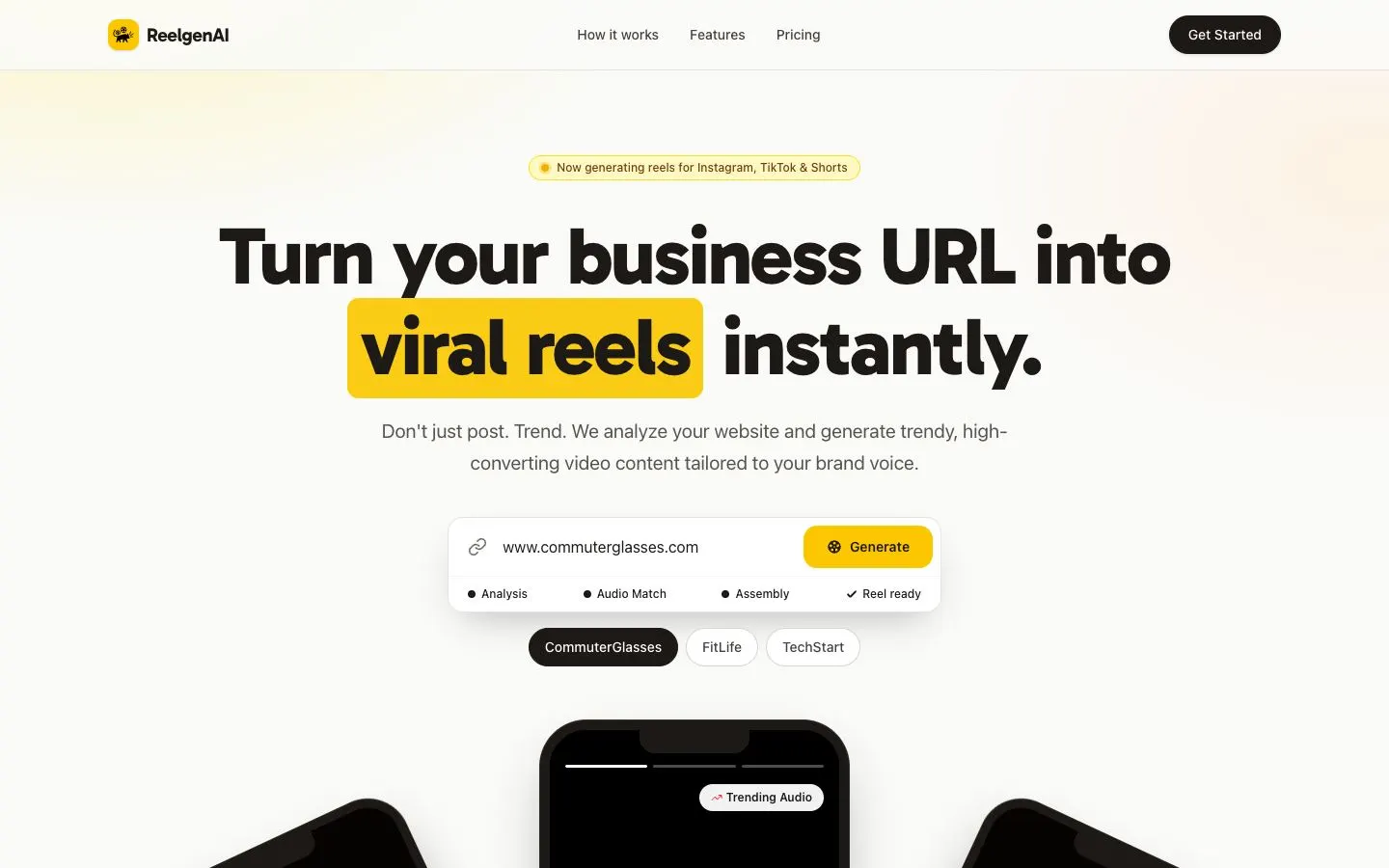
Design decisions
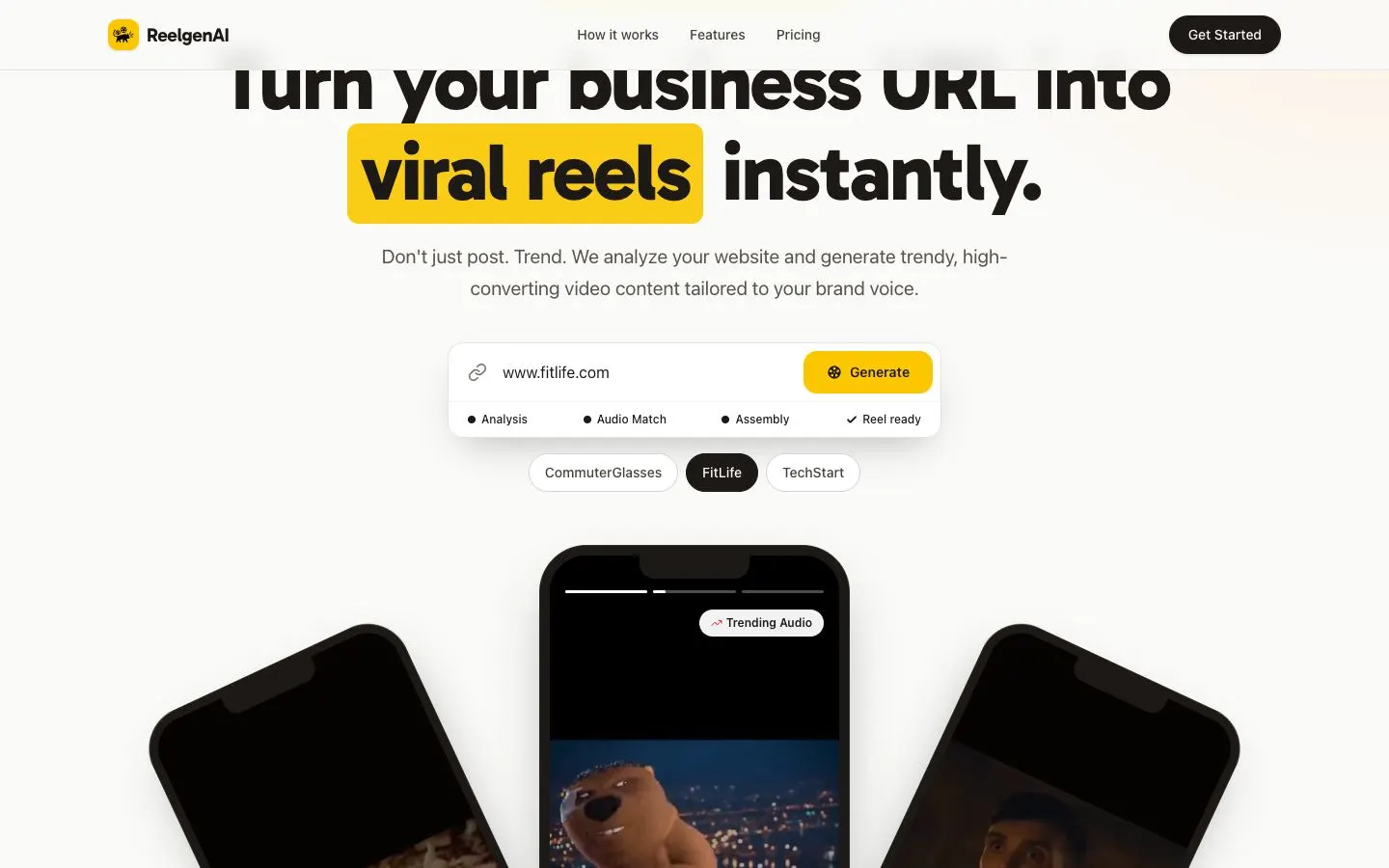
- Headline: a very heavy sans with 'viral reels' set on a yellow highlighter block, so the phrase that sells the product is the loudest thing on the page. A small pill above it names the platforms.
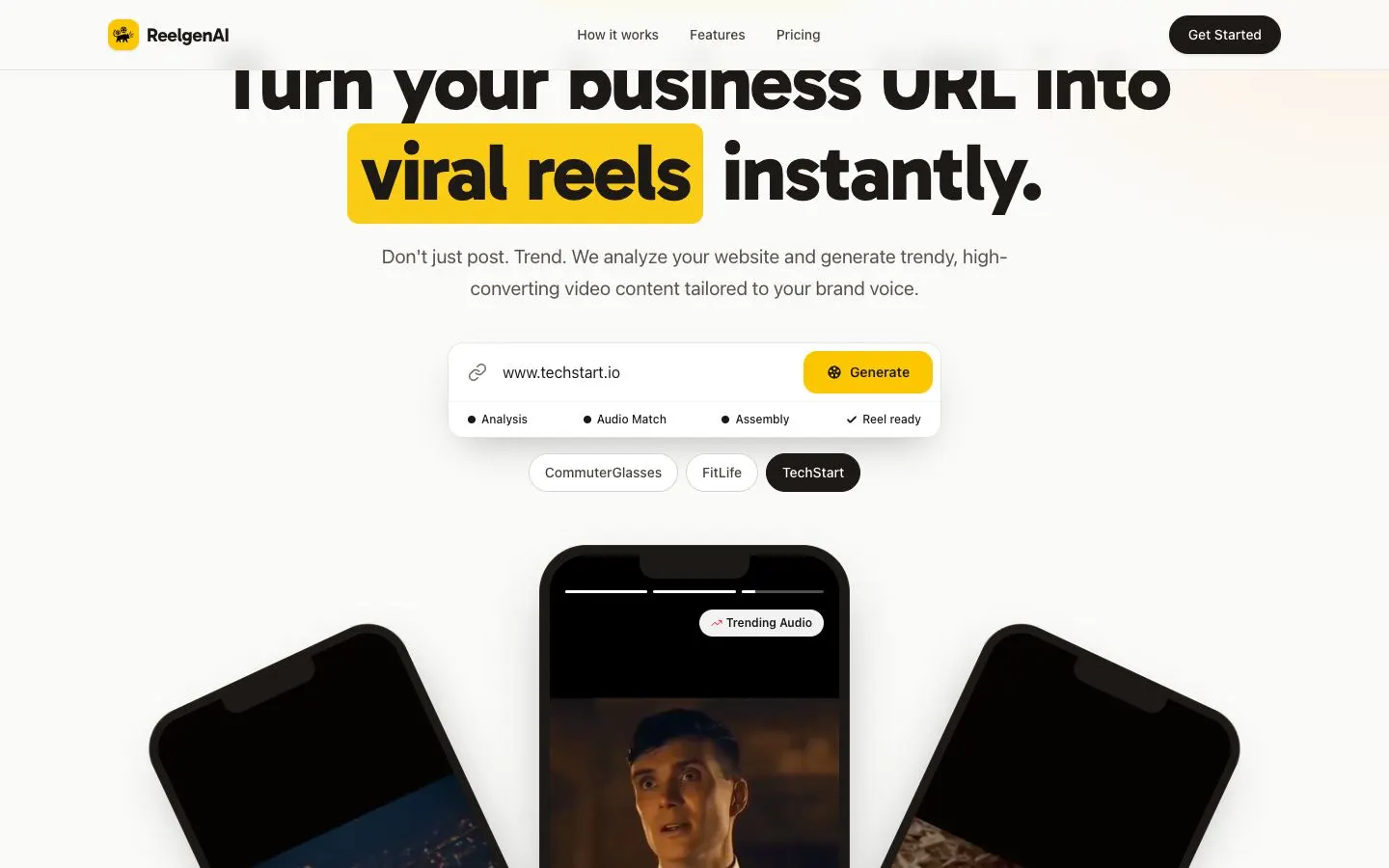
- The URL input sits directly under the headline as one card: a link icon, the field and a yellow Generate button, with a status row underneath (Analysis, Audio Match, Assembly, Reel ready) that shows the pipeline before anything is typed.
- Sample chips (CommuterGlasses, FitLife, TechStart) fill the field with an example URL and swap the clip on the centre phone, so a visitor can try the idea without typing. The selected chip fills black.
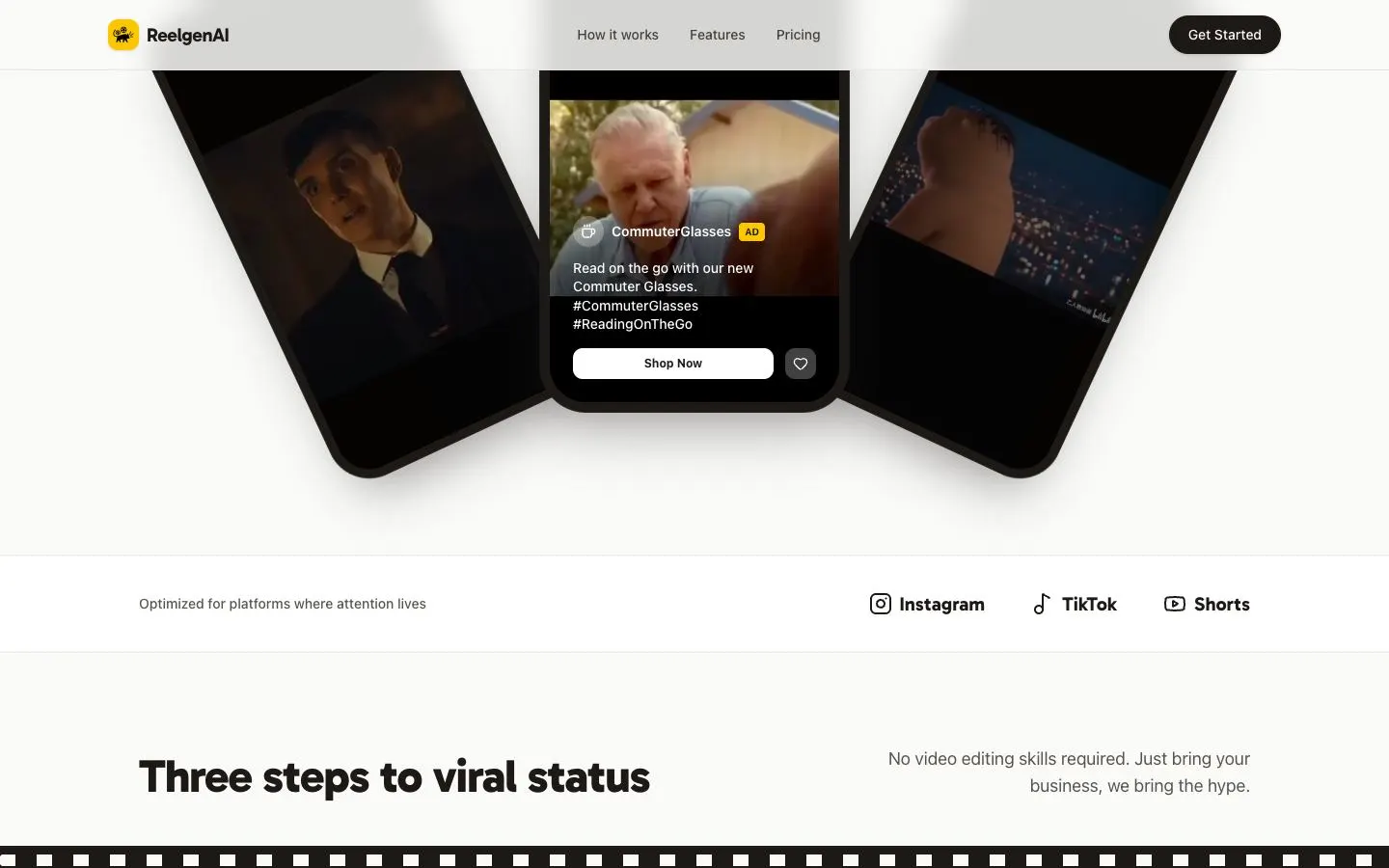
- Three phone mockups fan out below the input, the centre one upright and the outer two tilted away. The centre one is styled as a real reel, with story progress bars, a 'Trending Audio' pill, a sponsored caption and a 'Shop Now' button.
- Palette: warm off-white, near-black for text and buttons, and one saturated yellow (#FACC15 family) for the highlight, the Generate button and the closing band. A film-strip border introduces the 'Three steps' section.
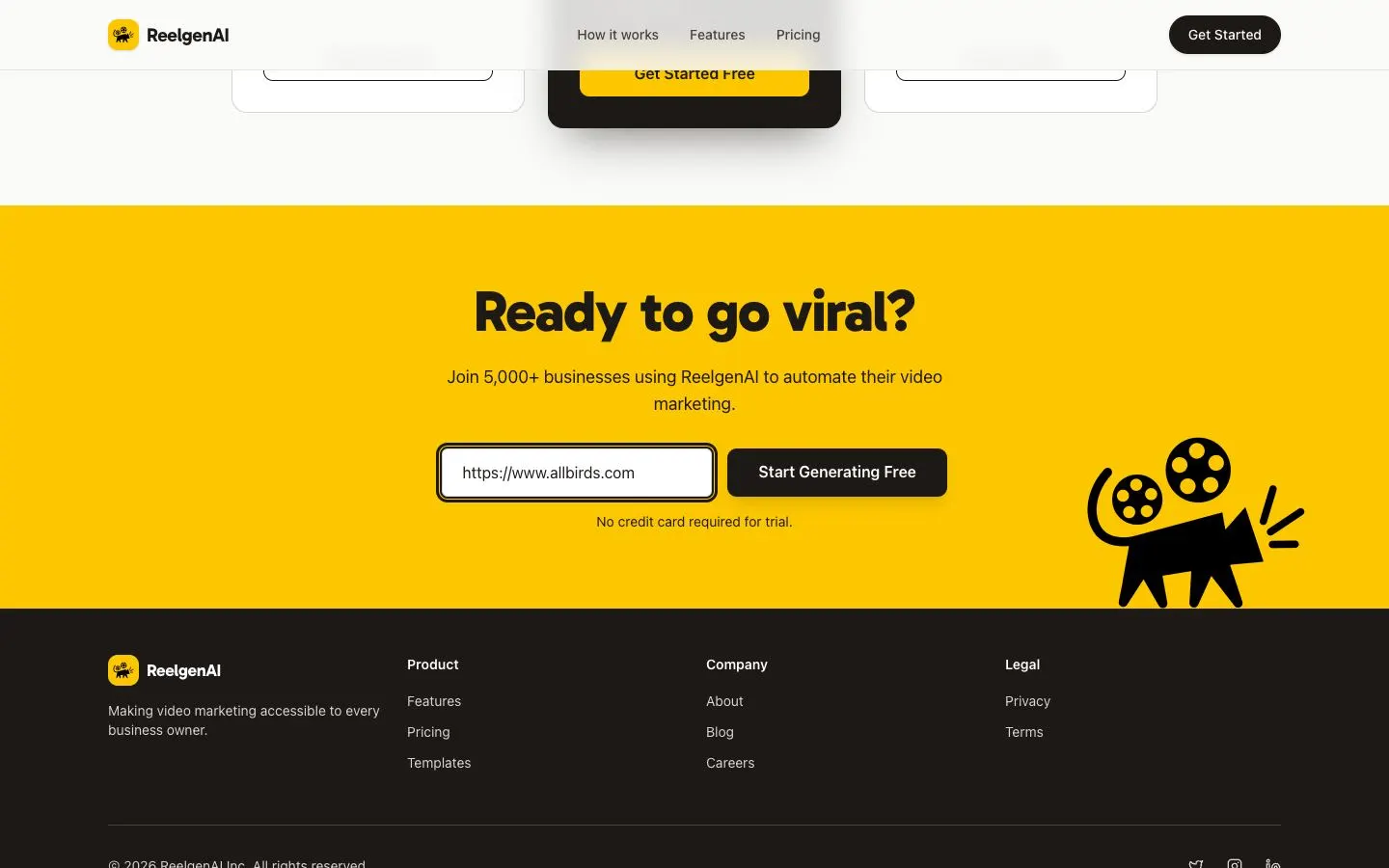
- The closing band repeats the URL input on a full yellow field beside a film-reel cat mascot drawn in flat black, with 'No credit card required for trial.' under the button.
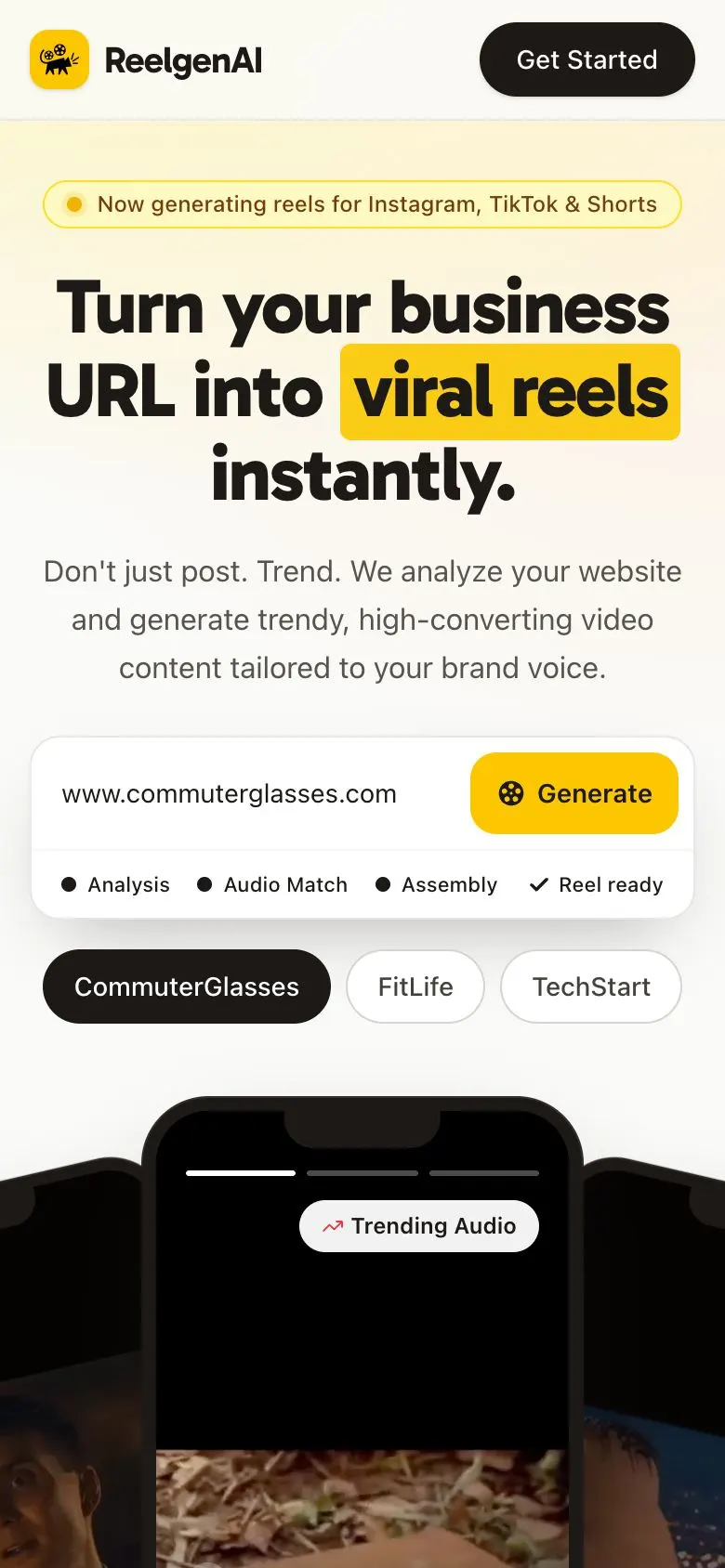
- Mobile: the headline re-wraps to three centred lines with the highlight kept, the Generate button stays inside the input card, and the chips still fit on one row.
On a phone
ReelgenAI has a single theme, so there is one set of captures.
The flow, step by step
Further down the page